For your website
The button for your website
A visitor who speaks another language presses it and talks to your team. Live, translated, no app.
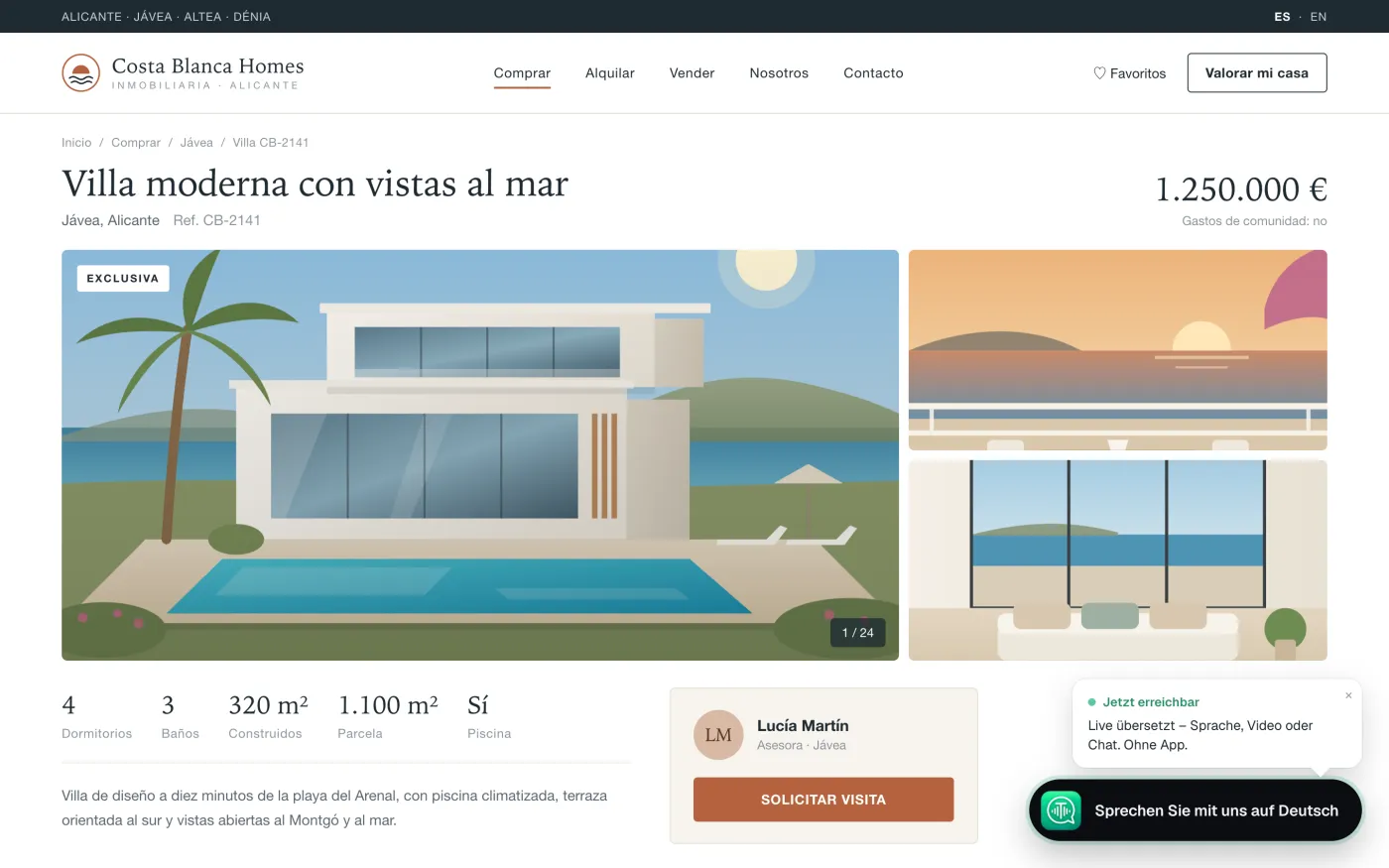
What it does
Shows up for the right people
Only visitors whose phone or browser is in another language see it.
Their language, your language
They speak theirs. Your team reads and answers in yours.
Voice, video or chat
From the browser, on a phone or a computer. Nothing to install.
Nobody there? A message
Outside your hours they leave a message. It reaches you translated.
On your site in three steps
Pick one. Each takes a few minutes.
Paste one line
Copy the line from your dashboard into your site.
WordPress plugin
Install the plugin, enter your button's name. Done.
Print the QR poster
For the reception, the counter, the shop window. Visitors scan and talk.
Not the one who edits the site?
Send the code to the person who makes your website. It is one line.
Or we install it for you: write to us, and we do it with you on the line. contact@tradulive.com
Price
Free to add. The conversations are paid from your company's hours.
Enterprise
€1.50 an hour, by the minute, with a monthly limit you set. At the limit, visitors can leave a message.
Pay by card
Hours in packs. When they run out, visitors can leave a message.
Your team's own hours
Answering never takes from the 10 hours of the person who answers.
Prices exclude VAT.
Questions
Who sees the button?
Only visitors whose phone or browser language differs from the languages your team speaks. You can show it to everyone instead.
Is anything recorded?
No. Sound and video are not recorded, and the written conversation is not kept. A message left for you is kept for 90 days.
Is the visitor told it is translated by AI?
Yes. Before the conversation starts, the visitor reads that it is translated by artificial intelligence. Your team sees the same.
Does it slow down my site?
No. The button loads after your page, and only for the visitors who get it.
Which languages?
Sixty. The visitor's language comes from their phone or browser, English if it is not among them, and they can change it.
Who answers?
The people you list, from their browser. They get a notification when a visitor is waiting.
Put it on your site
Create your company account. The button is in the dashboard.